Scaffold inspections, tags and take-offs in your pocket.
The AL-YASSIN Field App is a free tool for scaffold supervisors, inspectors and foremen: inspect a scaffold with a checklist for its scaffold type, see the tag colour, keep every tag in one register with its next due date, and measure take-offs on site. Sign in with your email and your records follow you to any phone. Companies get a main account with a sub-account for each employee, and every entry shows who made it and when, with photos as evidence.
Built from daily scaffold work: the checks you do, the register you keep, the quantities you measure.
Inspection checklist
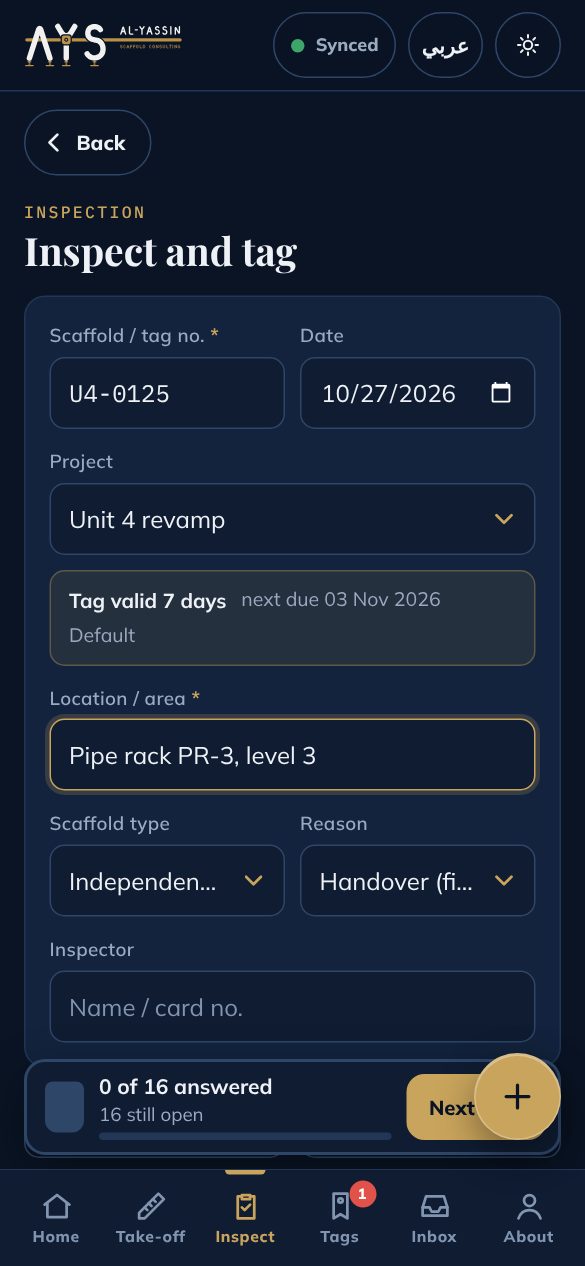
16 general checks in 5 sections (foundations, structure, working platform, access, site and records), plus 4 or 5 checks for the scaffold type you pick. Pass, Fail or N/A with glove-sized buttons; the tag colour is worked out as you go. The same lists are free to print on the checklist pages.
Tag register
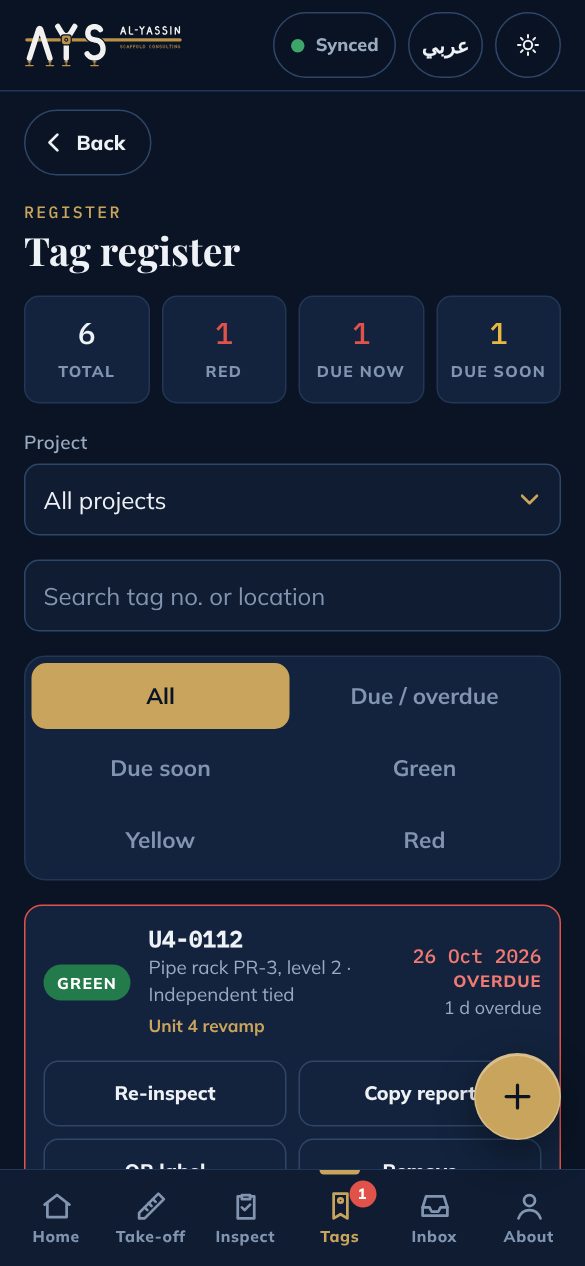
Every scaffold with its tag number, location, colour and next due date. Filter by due, overdue, green, yellow or red; export CSV or copy a report.
Due-date reminders
Overdue and due-soon alerts when you open the app. Add any due date to your phone calendar in one tap (07:00 on the due date, with an alert the day before).
Tag validity per client
Set how many days a tag stays valid for each client or project, from 1 to 31 days. Verify against the client's current site rules.
Projects and sites
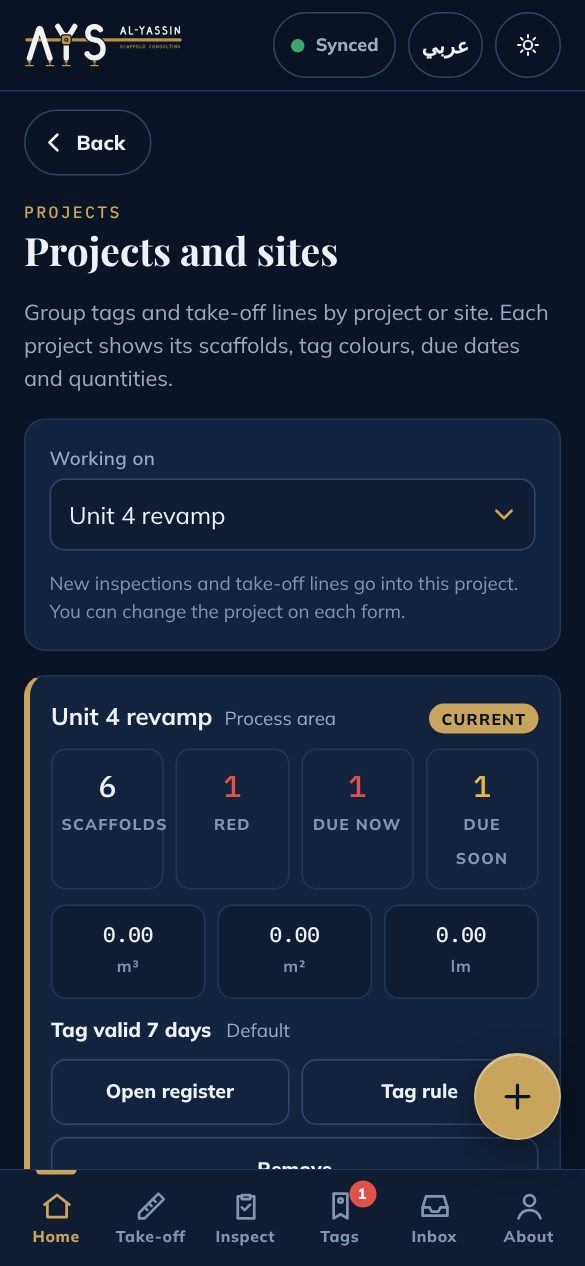
Group tags and take-off lines by project. Each project shows its scaffolds, red tags, tags due and quantities.
Take-off on site
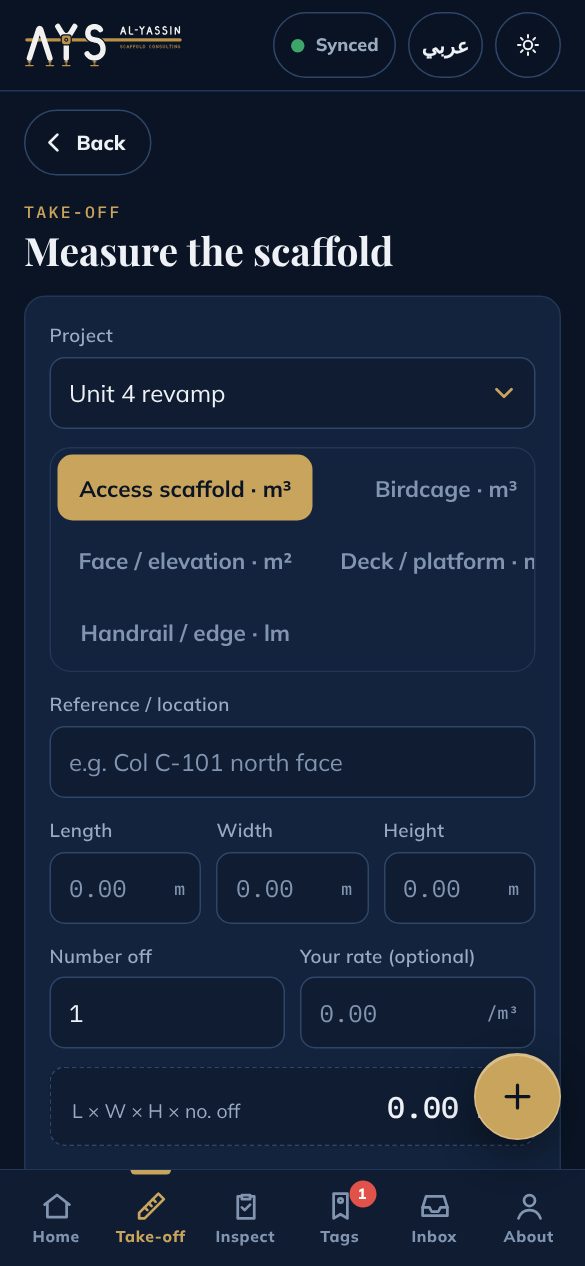
Measure in m³, m² and linear metres from length, width, height and number off. Add your own rate if you want; copy the sheet.
Cost of waiting
Show what an idle crew costs per hour, day and month, so delays get a number.
Account and cloud backup
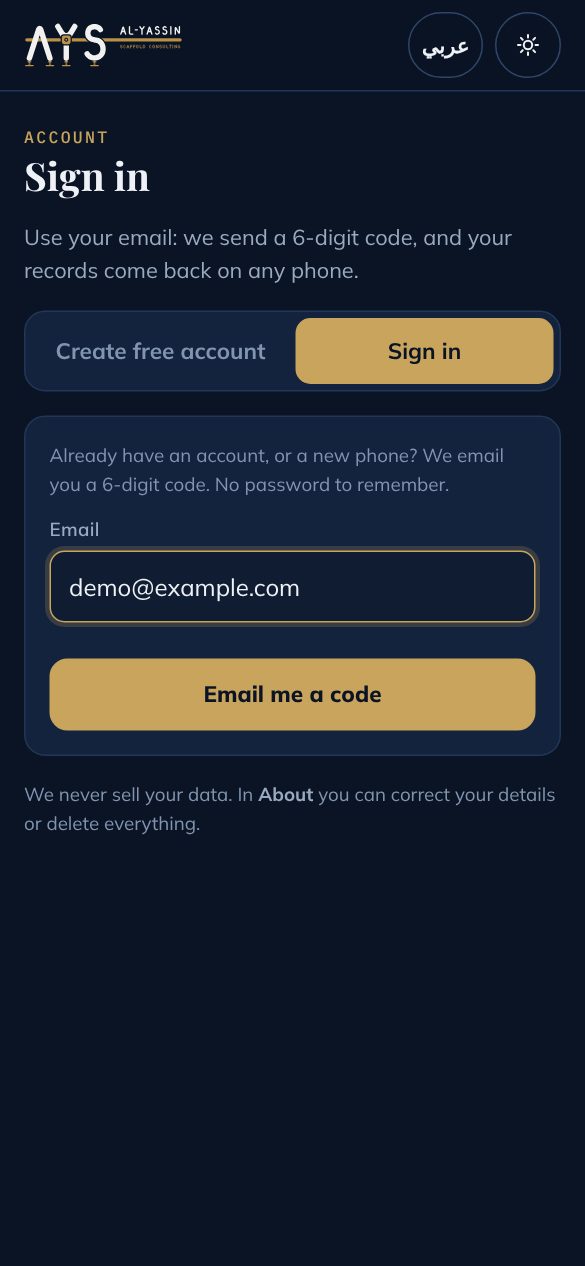
Sign in with a 6-digit code sent to your email, no password. Your register, projects and take-off are backed up and come back on any phone.
Company accounts
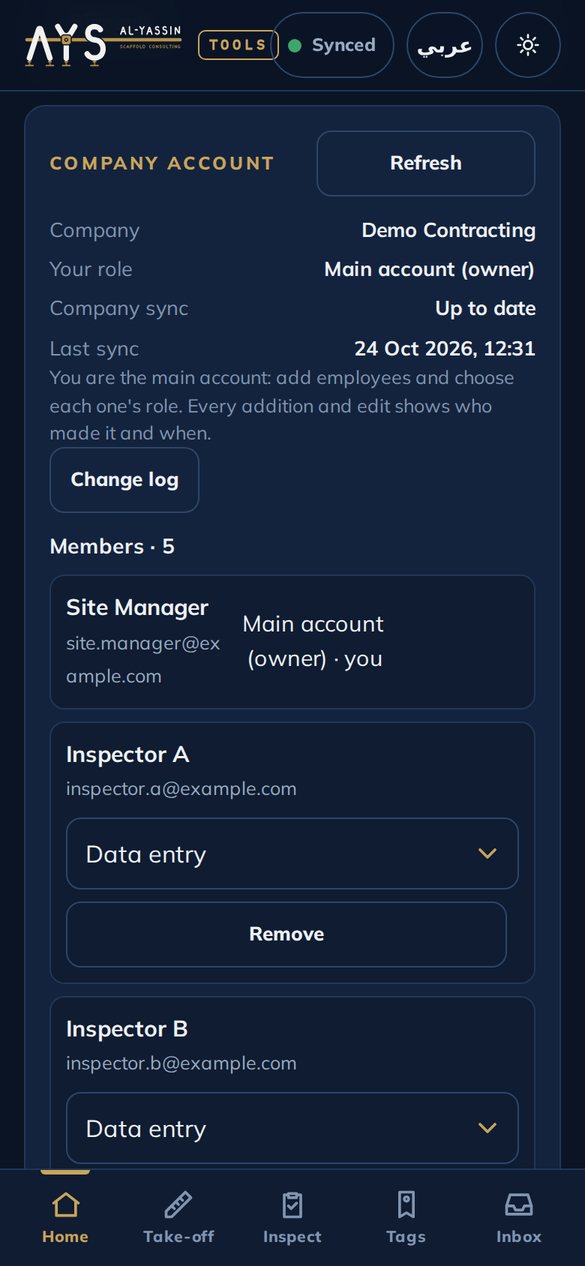
A main account for the company and a sub-account for each employee, with a role: manager, data entry or view only. Every addition and edit shows who made it, with the date and time.
Photo evidence
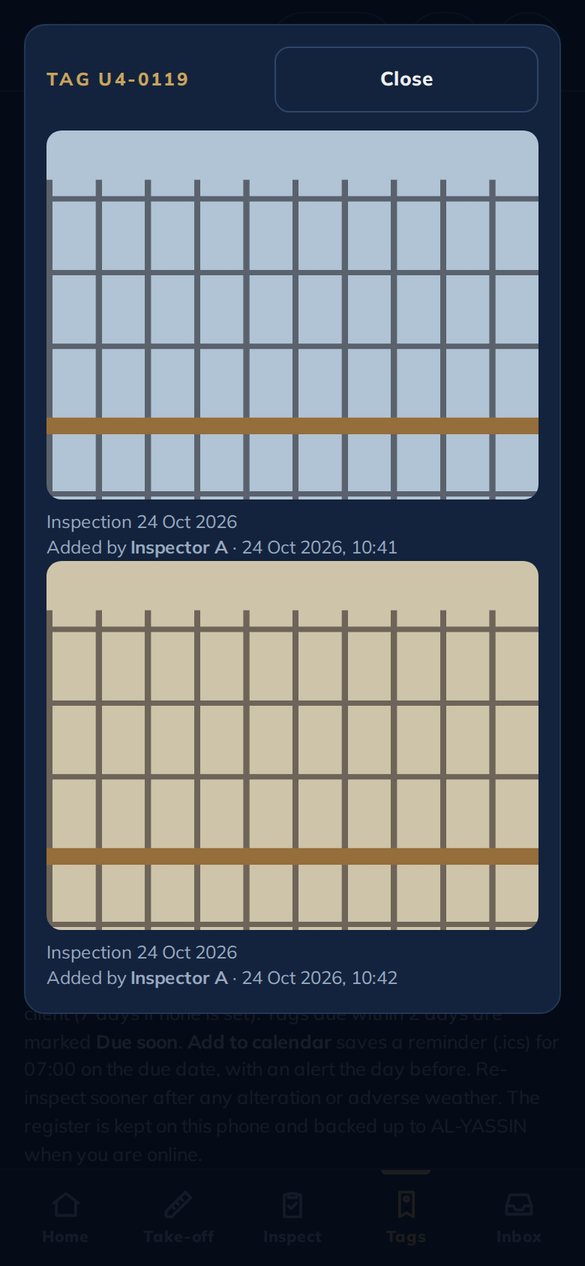
Attach up to 4 photos to each inspection or take-off line, from the camera or the gallery. Each photo shows who added it and when.
Works offline
Everything saves on the phone first and sends when there is signal: made for plant areas, tank farms and yards.
Arabic and English
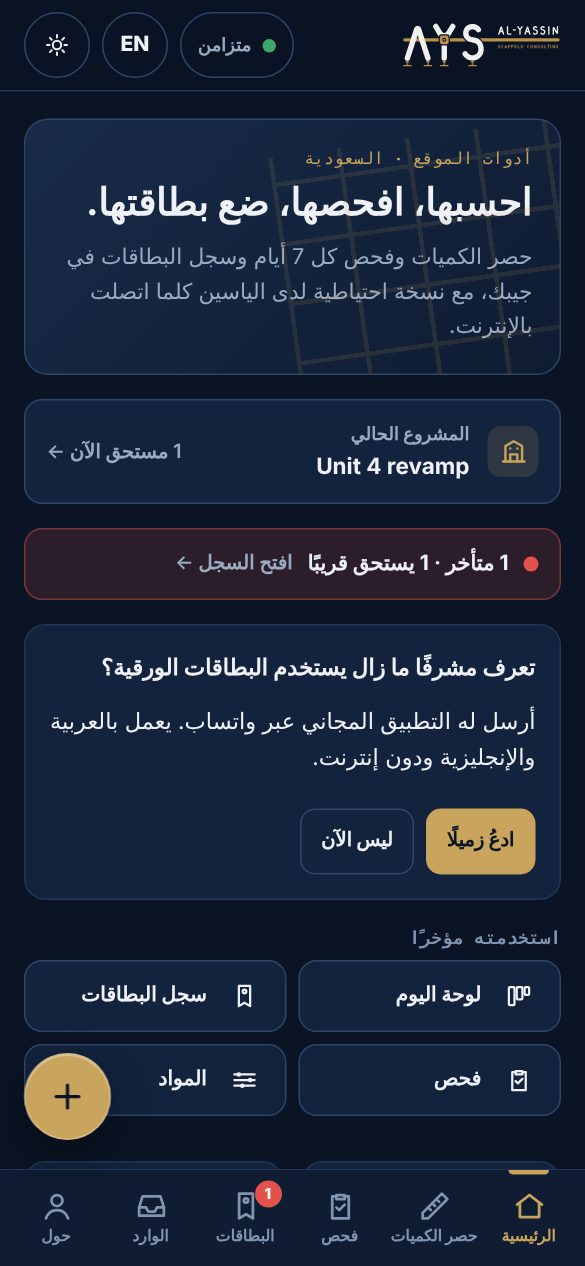
Switch the whole app to Arabic (right to left) with one tap. Saved records stay in English, so the register reads the same for everyone.
Sun mode
High-contrast mode for bright sunlight on site.
Private by design
No ads and no third-party trackers. The privacy policy says what the app keeps and sends, and you can delete your data from the app at any time.
Roles for your whole team
Owner, managers, project managers, superintendents, inspectors, storekeepers and up to 12 job titles of your own. You choose what each role sees and changes, project by project and yard by yard.
Material requests and the yard
The site asks, the project manager approves, the yard issues and the site confirms what arrived. Every entry keeps who, which device and when.
Public safety record
Share a page with your real figures: scaffolds tagged, inspections on time, handovers signed. No names of people, clients or places. Turn it off at any time.
One trailer, one delivery note
Many items on one note with one number from your company series, the vehicle and driver, the load weight and signature boxes. Every movement stays searchable, with an item card and the running balance.
Daily board and timesheet
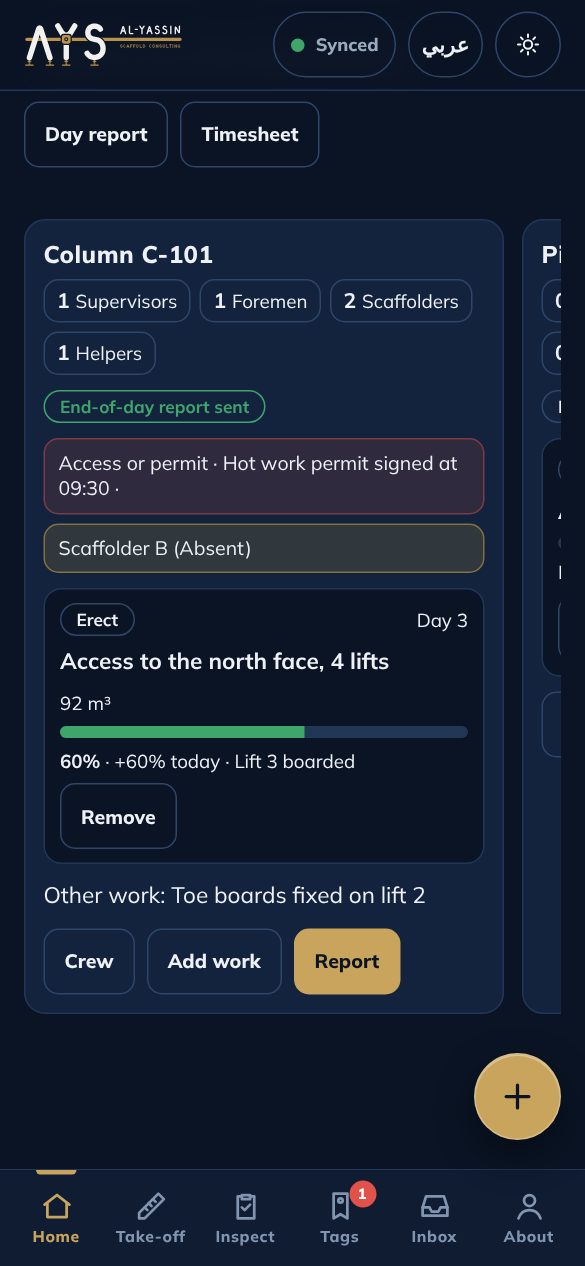
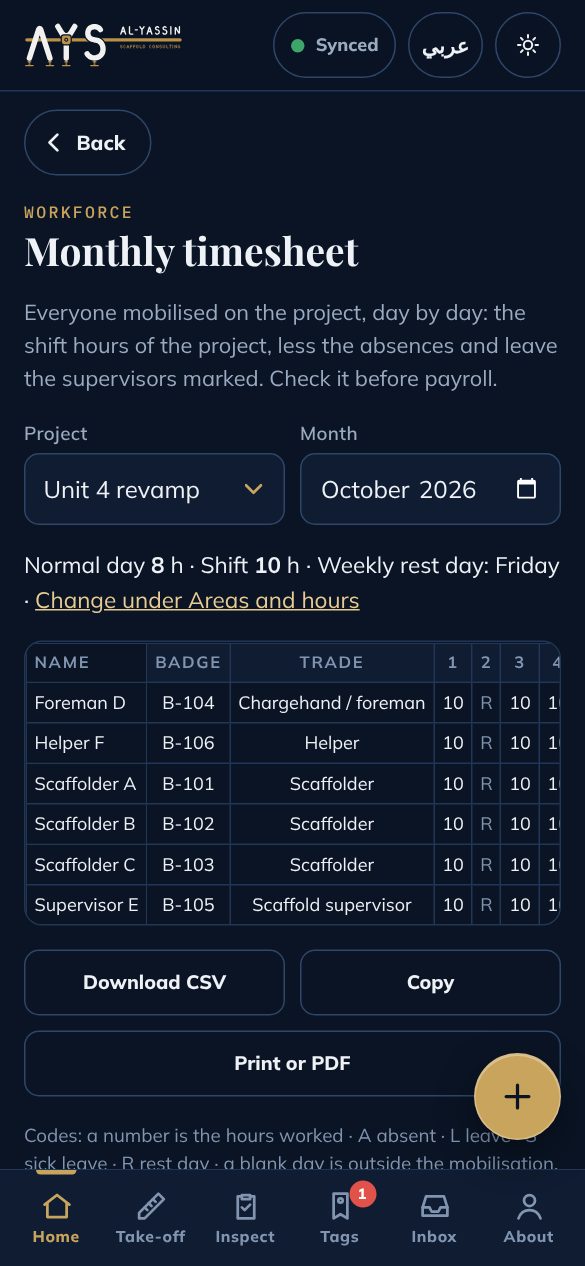
A column for each area: the work needed, the crew planned by trade, and what the supervisor reports at the end of the day (absences, access or permit problems, % done, photos). Only people with complete details are mobilised, and the month gives a timesheet with normal and overtime hours.
PDF reports and Excel
An inspection report or the tag register as a PDF from your phone, with photos and a QR code. Your records as one Excel file, a sheet for each list, ready for the office.
My cards
Keep your scaffold certificates on your phone with a QR code. Show the QR at the gate; the page shows your name and card dates, never ID numbers.
Inspector card on every tag
Pick your inspector card when you inspect; it shows on the tag page. A company can require a valid card before an inspection is saved.
Team directory and yards
Photo, real name, job title, site, mobile and email for each person; each yard with its location, trailer drivers and forklift operator. Shared inside your company only.
Inspector at the scaffold
Set per client: the inspector must be within 30 to 200 m of the scaffold, or off where phones are not allowed on site. Only the distance is kept, never the inspector's position.
Reports that prove themselves
Every inspection PDF carries a fingerprint and a QR. Scan it: the tag page says whether the report matches the inspection on record.
One QR per ladder
Print a label for each access point of a large scaffold. Every one opens the same live status.
Midday ban by country
Saudi Arabia, UAE, Qatar, Kuwait, Oman and Bahrain hours on the daily board and in the supervisor report. Check the ministry announcement each year.
Trailers and forklifts
Each trailer, truck and forklift with its driver, trips and loads. A note from the yard stays on the road until the site confirms it arrived: all there, short or damaged.
Password sign-in
Sign in with your email and password. The first time and once every 20 sign-ins, a code to your email confirms the address is still yours.
Question of the day
One scaffold question a day for the whole crew, with the rule behind the answer and a streak. Also on the website, in five languages.
Your company's own checks
The owner or a manager adds checks to every inspection, for all scaffold types or one. Share the list with another company by link.
The year in numbers
An annual report from your records: inspections, scaffolds handed over, material moved, safety and training, as a PDF or text.
Your crew's language
Worker screens in Urdu, Hindi, Tagalog, Bengali and Nepali as well as English and Arabic. Draft translations, marked as such.
Speak your notes
A microphone button on remarks and notes, in the language of the app, where the phone supports it.
Talent board, if you want it
Workers can list their card page on the AL-YASSIN talent board, with their city, years and, only if they tick it, their mobile.
Plan a new project
Crew by week from your own output and your shifts and working days (change them when the client asks), the material three ways (scaffold sizes, the take-off times your own quantities, or your own list), the tools with quantities and the lifeline kit. Copy it or make a PDF.
See the screens
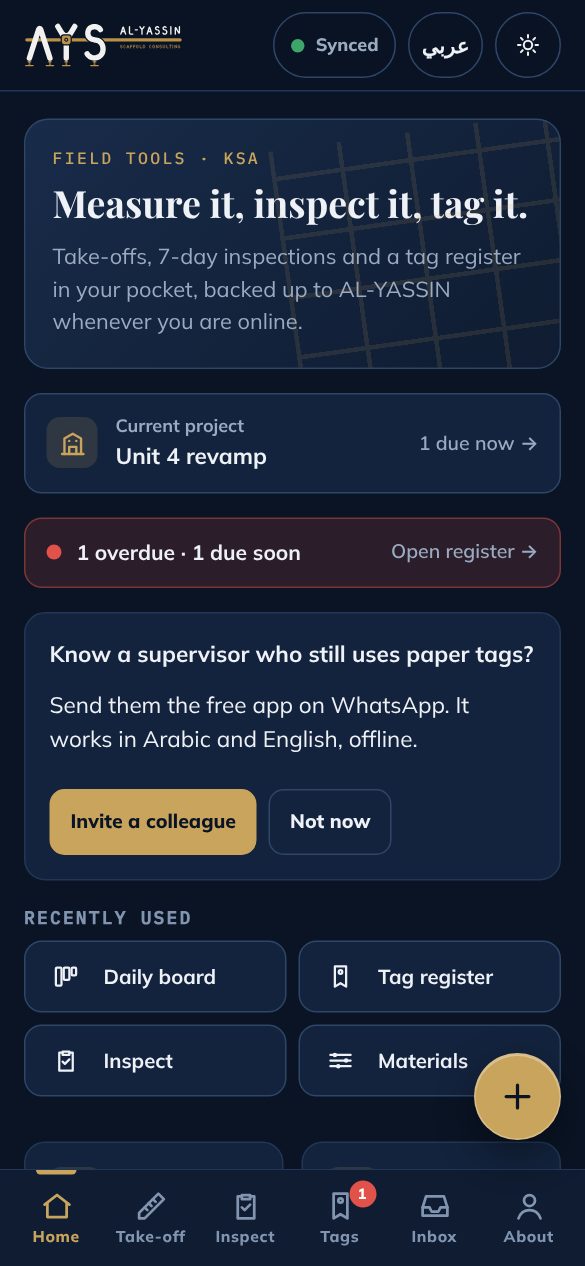
HomeCurrent project and what is due.
InspectChecklist by section, tag rule shown.
Tag registerColours, due dates, overdue first.
Take-offm³ · m² · lm with references.
Daily boardWork, crew and problems by area.
TimesheetHours, overtime and absences.
ProjectsCounts and tag rule per project.
Company accountMain account, staff and roles.
Photo evidenceWho added each photo, and when.
Sign inA 6-digit code by email.
ArabicThe whole app in Arabic.
Start in a minute
Open the app
On your phone, open alyassinscaffold.com/app and create a free account: name, company and email.
Inspect and tag
Use it on site, even without signal. Every inspection goes into your tag register with its next due date.
Use it on any phone
New phone? Sign in with your email code and your register, projects and take-off come back.
Install it like an app
Android (Chrome)
Open alyassinscaffold.com/app in Chrome.
Tap the ⋮ menu.
Tap "Install app" or "Add to Home screen".
iPhone (Safari)
Open alyassinscaffold.com/app in Safari.
Tap the Share button.
Tap "Add to Home Screen".
Made for
Scaffold supervisorsScaffold inspectorsForemen and chargehandsHSE officersQS and plannersSite and construction managers
Yes. The app and the cloud backup are free. There is no payment, no subscription and no ads.
Does it work without internet?
Yes. Everything saves on your phone first and is sent to AL-YASSIN when you have signal. Signing in and restoring on a new phone need internet.
How do I sign in on another phone?
Open the app, choose Sign in, enter your email and type the 6-digit code we email you. Your tag register, projects, clients, take-off and cost figures come back from your cloud backup.
Can my company use it with several employees?
Yes. The main account creates the company in the app (About → Company account) and adds each employee by email with a role: manager (sees and changes all the company records), data entry (adds records and sees only their own work) or view only. Every addition and edit is stamped with the person's name and the date and time, and the manager sees a log of all changes.
Is it approved by Saudi Aramco or another client?
No. It is an independent AL-YASSIN tool and is not endorsed by Saudi Aramco or any other company or body. Follow your project and client procedures; you set the tag validity per client yourself.
Where are my records stored?
On your phone and in AL-YASSIN's Google account, which Google runs for us. We never sell them. See the privacy policy.
Can I use it in Arabic?
Yes. Tap عربي in the header and the whole app switches to Arabic, right to left.
Can I delete my data?
Yes. In the app, open About and tap Delete my data. It wipes the phone and sends us a deletion request.
An independent, open knowledge platform for metal scaffolding: free exams, tools, toolbox rules and open data, in many languages, for scaffold people everywhere. Not taking paid work or payments at this time.